


Loading products,
please wait a few seconds...
Backup Cameras
21 products
View as:
Vehicle finder
Shop products
for your vehicle
Enter your year, make, and model to filter over 1,000 results
My vehicle

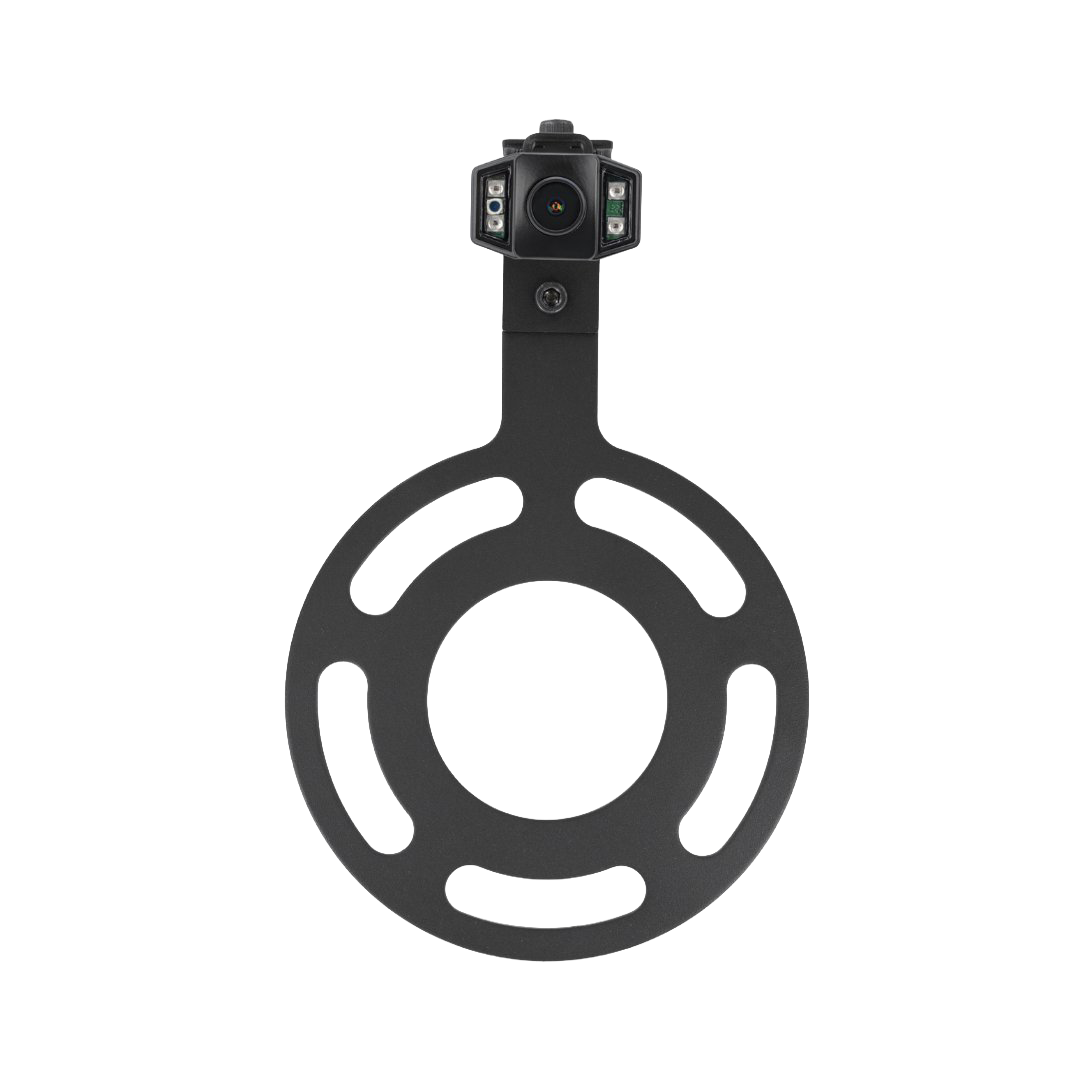
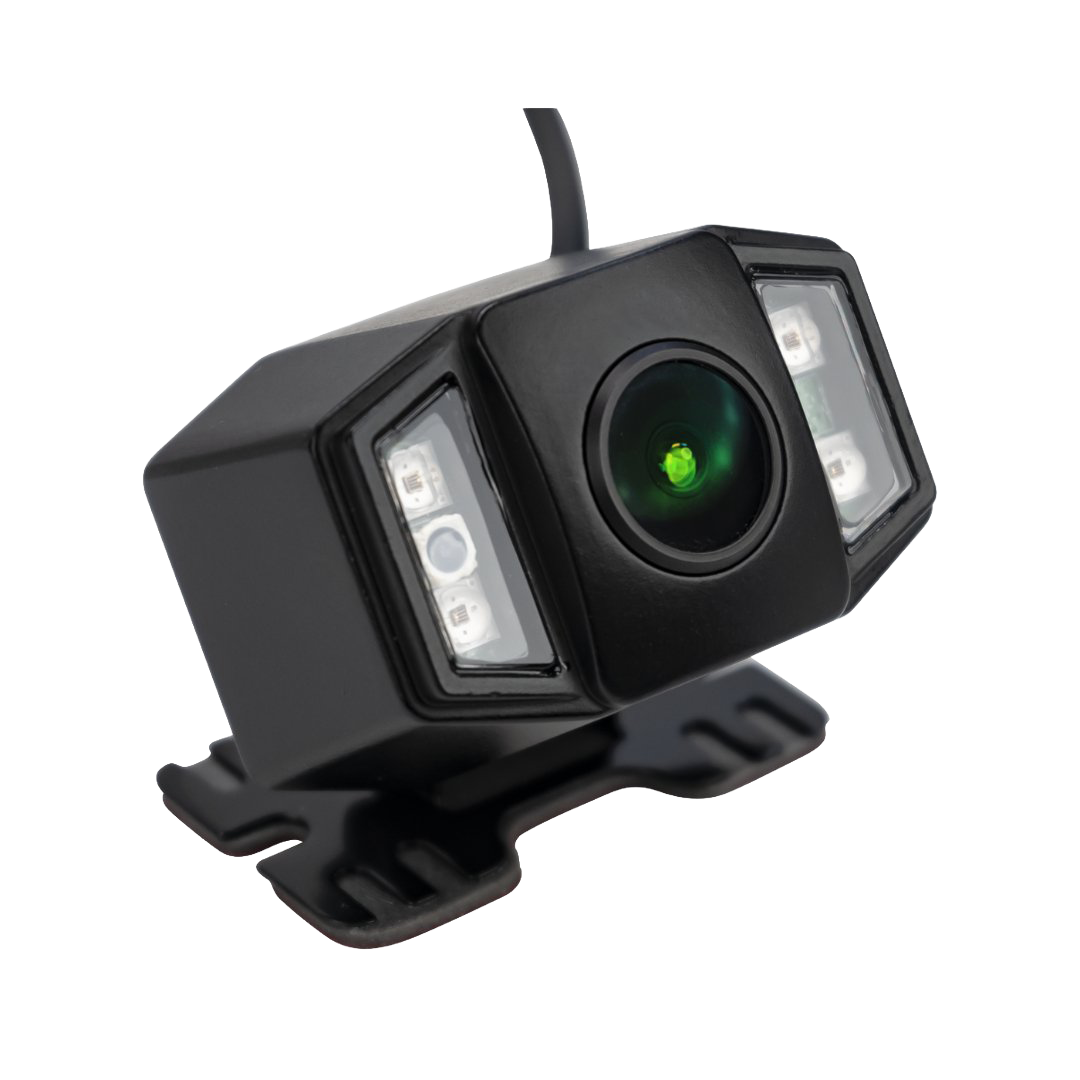
$169.00
$59.00
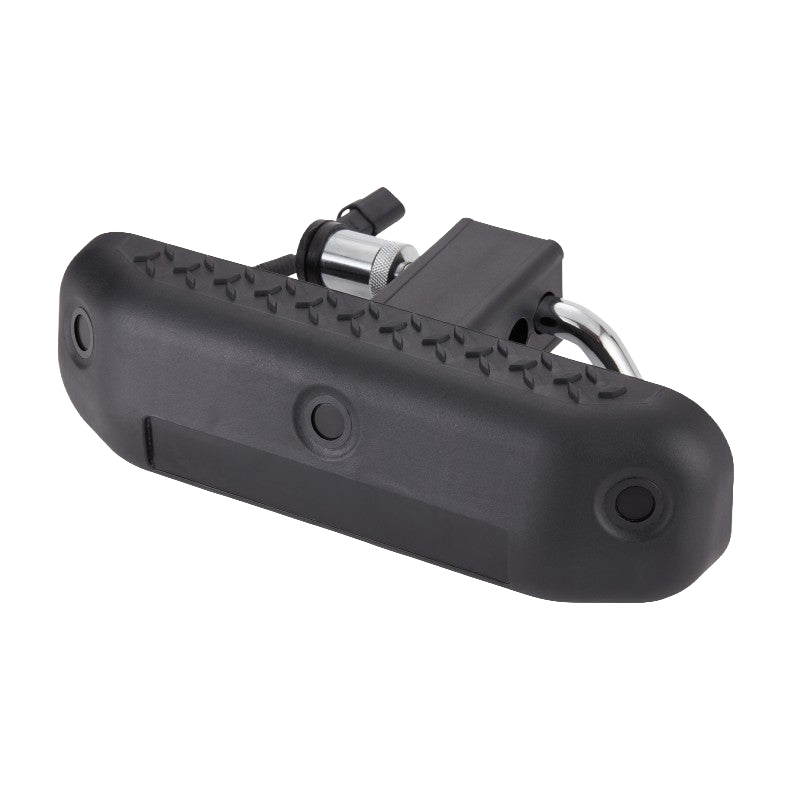
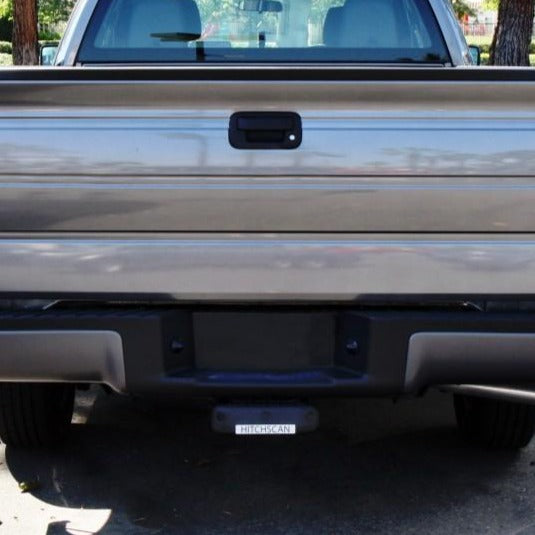
4.0 (1)
$209.00
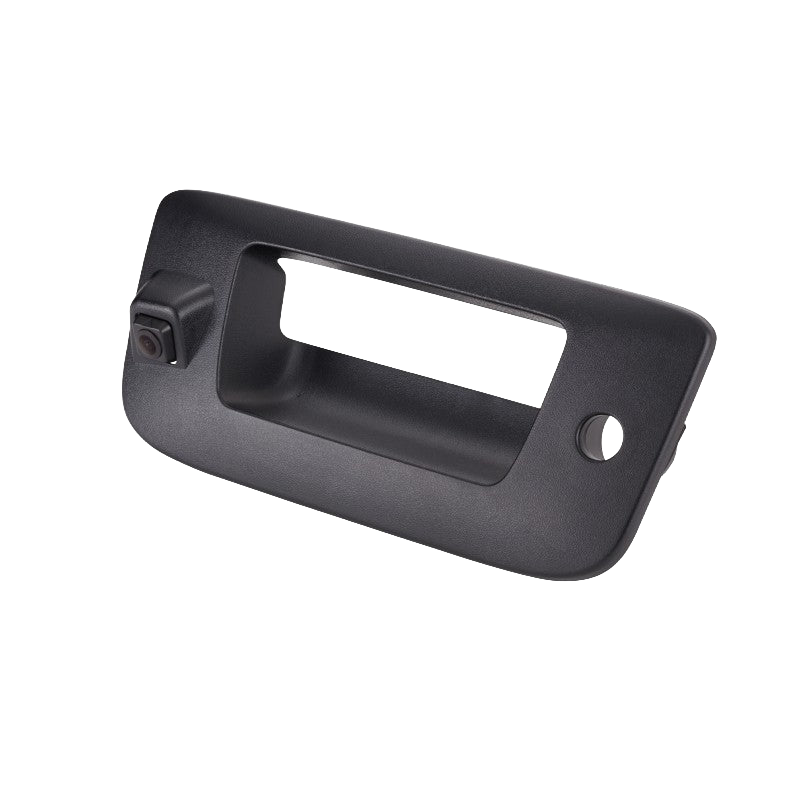
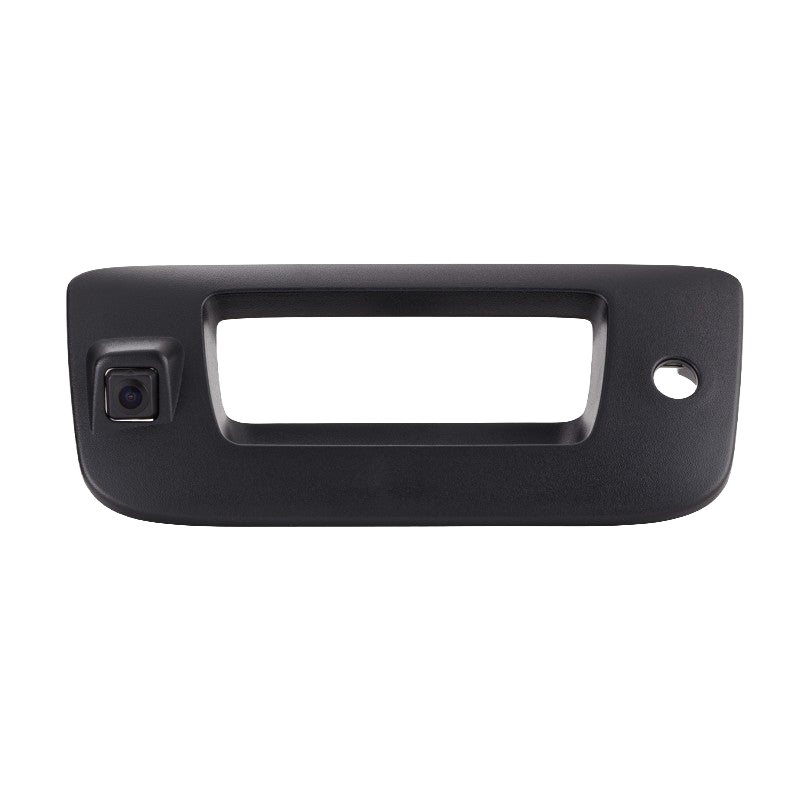
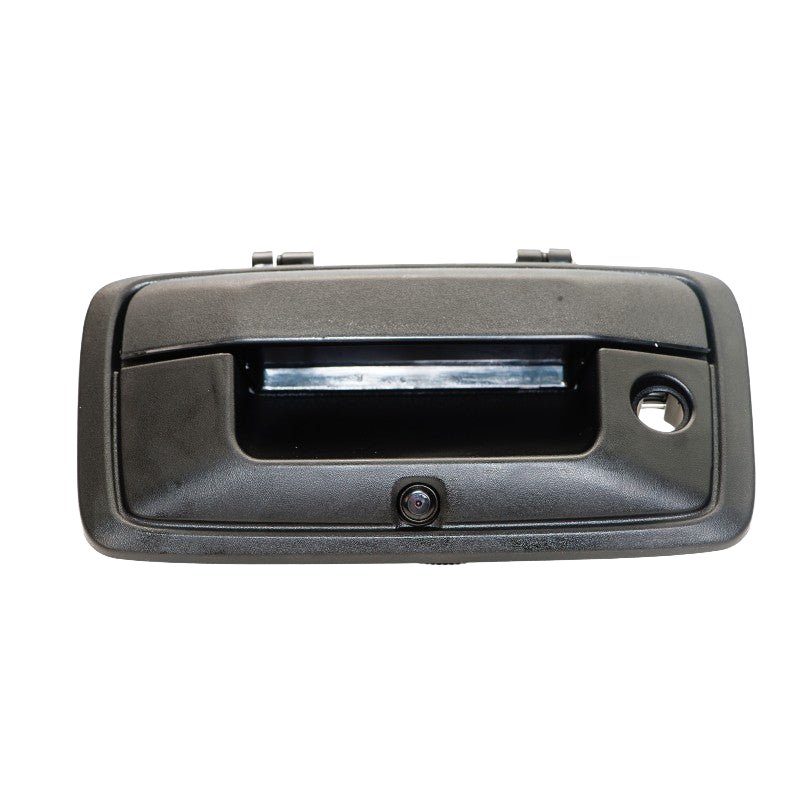
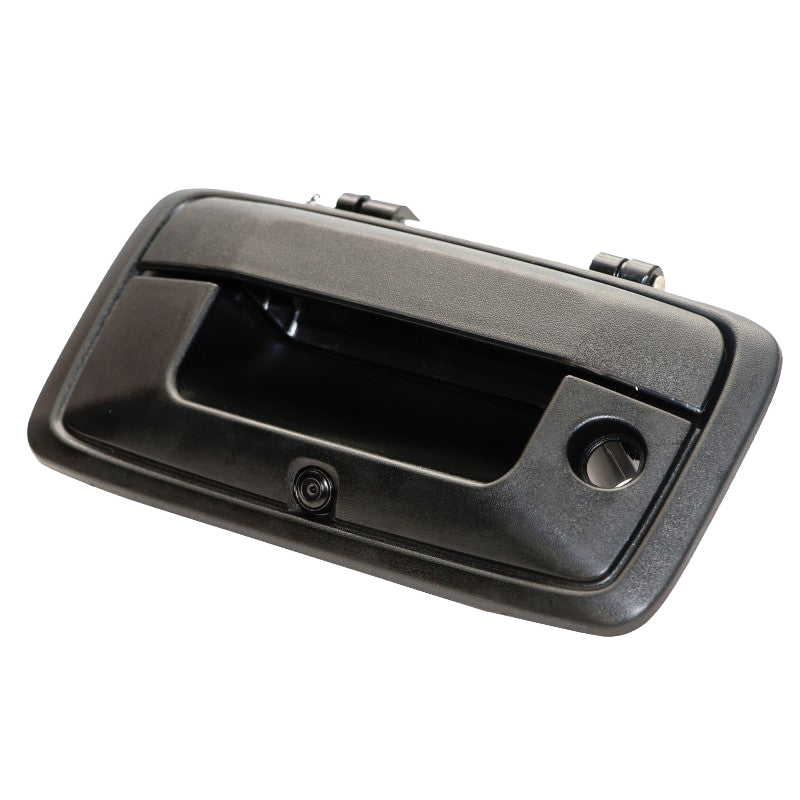
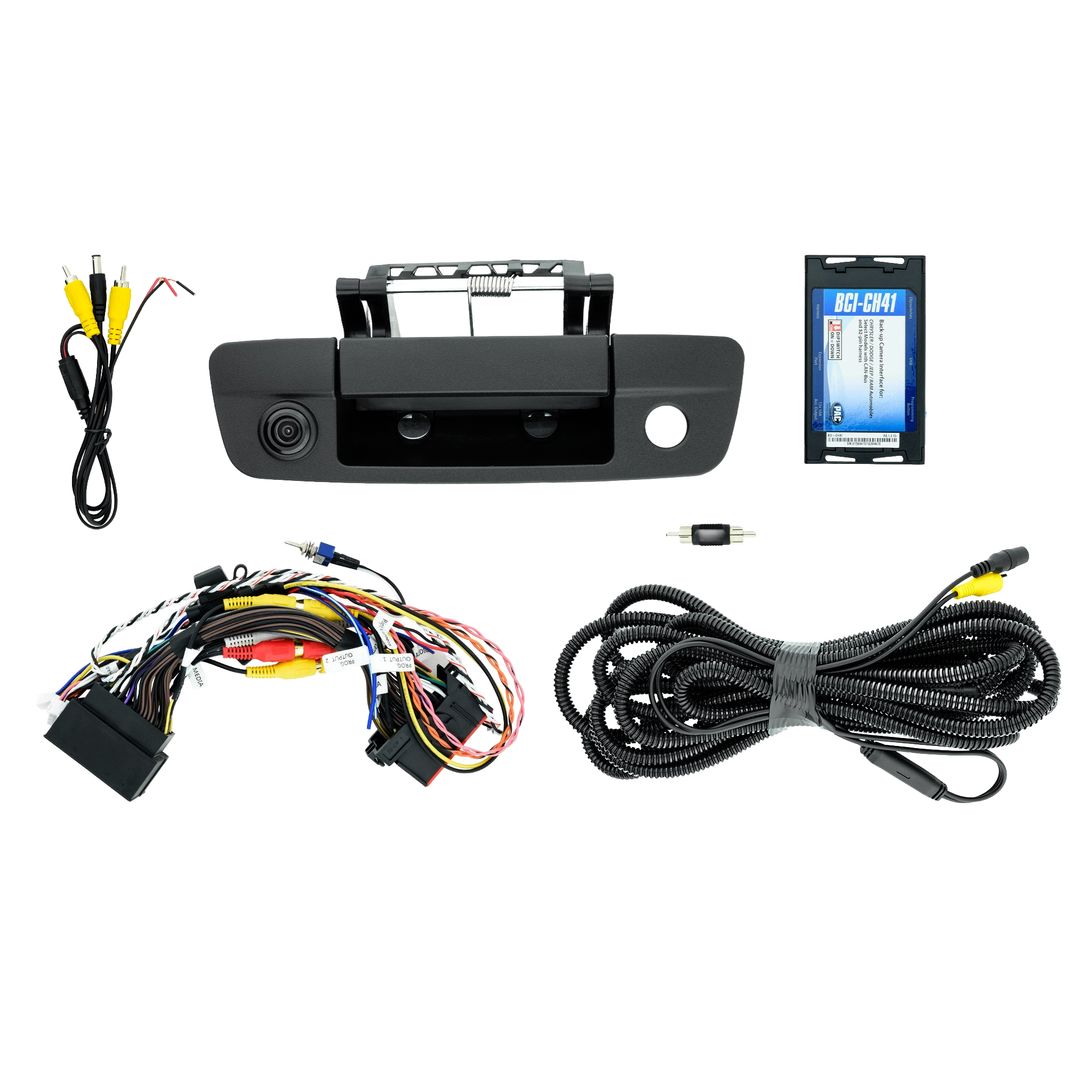
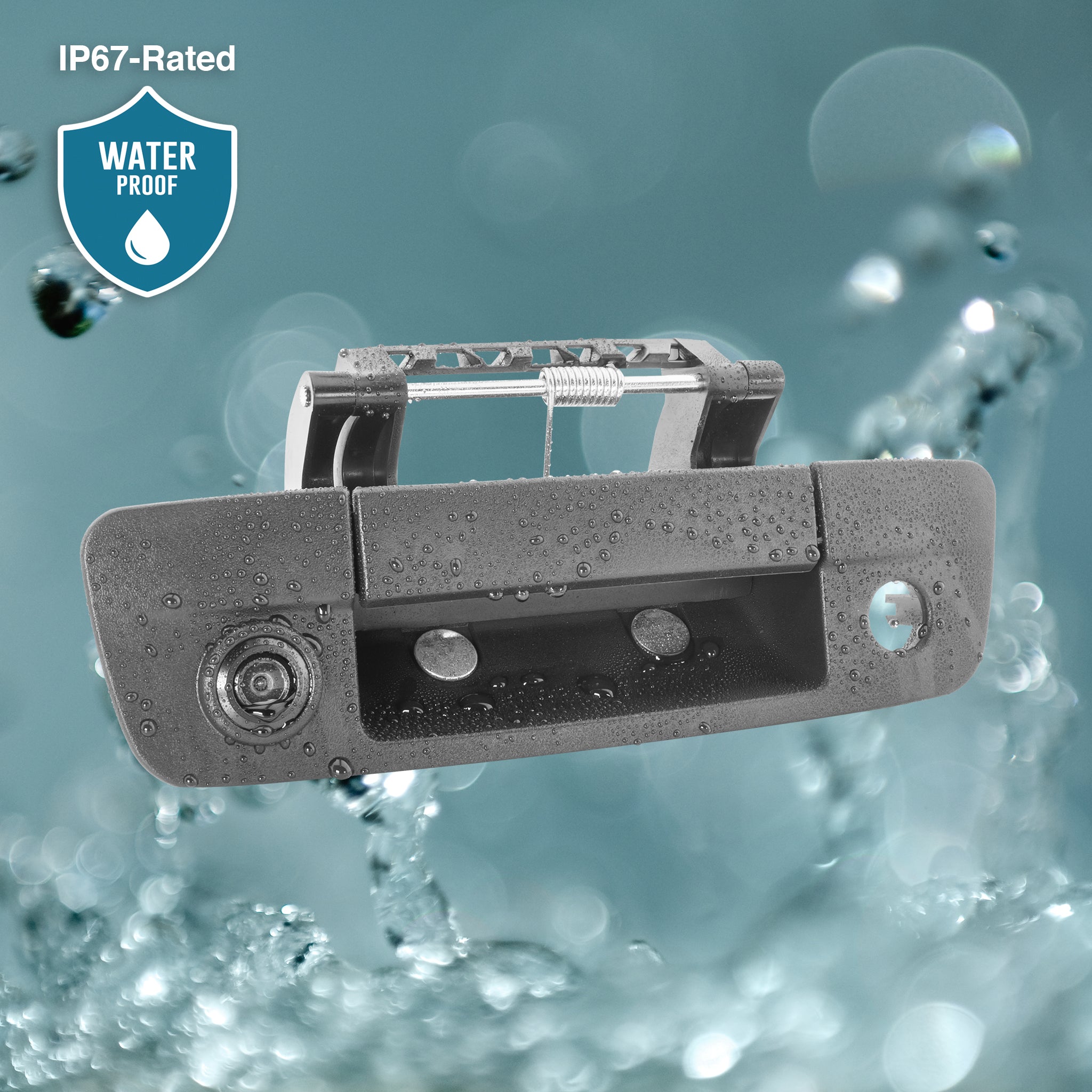


4.0 (1)
$299.00
4.6 (13)
$169.00
5.0 (8)
$59.00
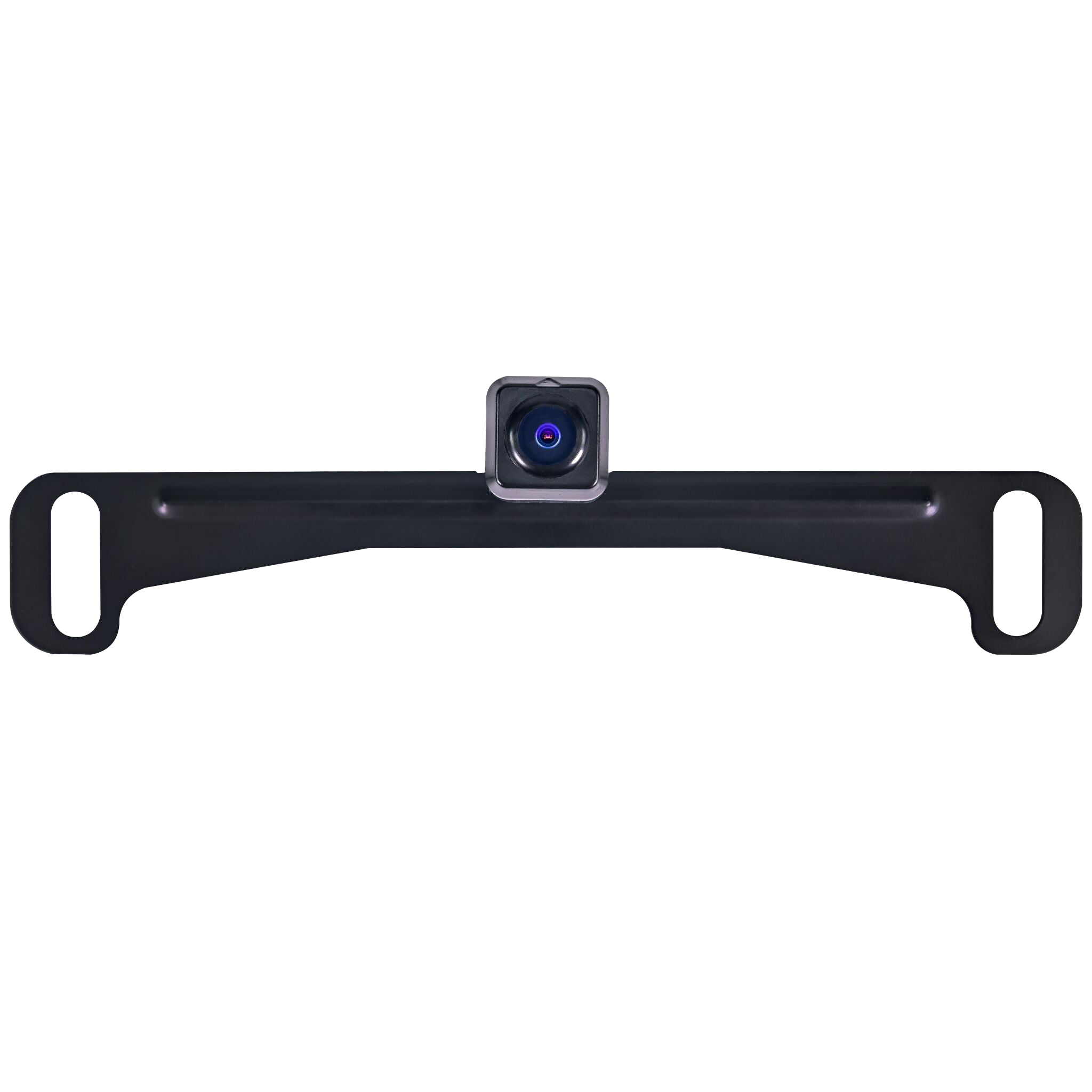
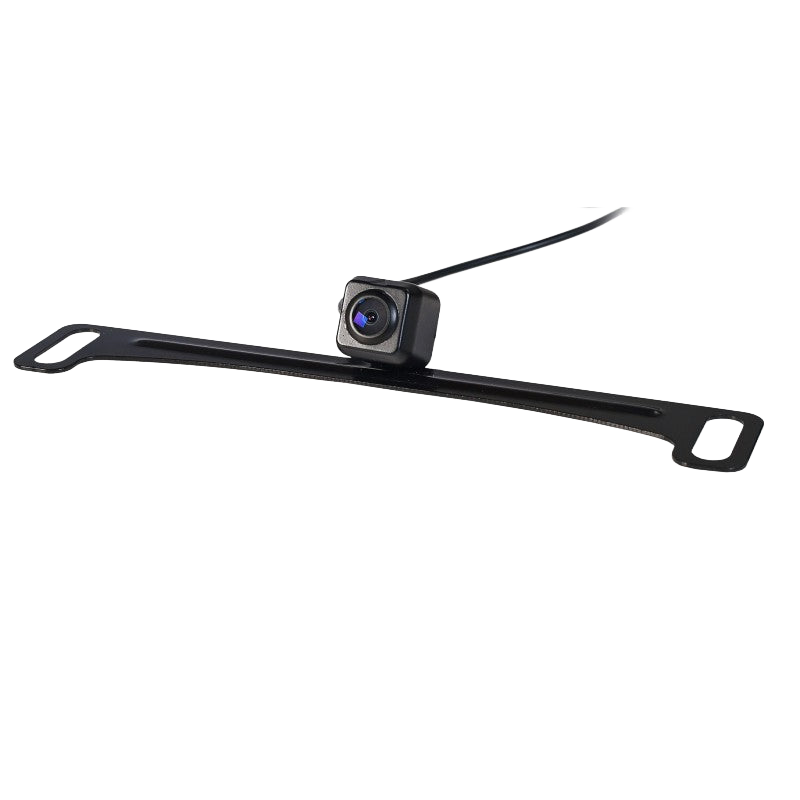
5.0 (3)
$76.99
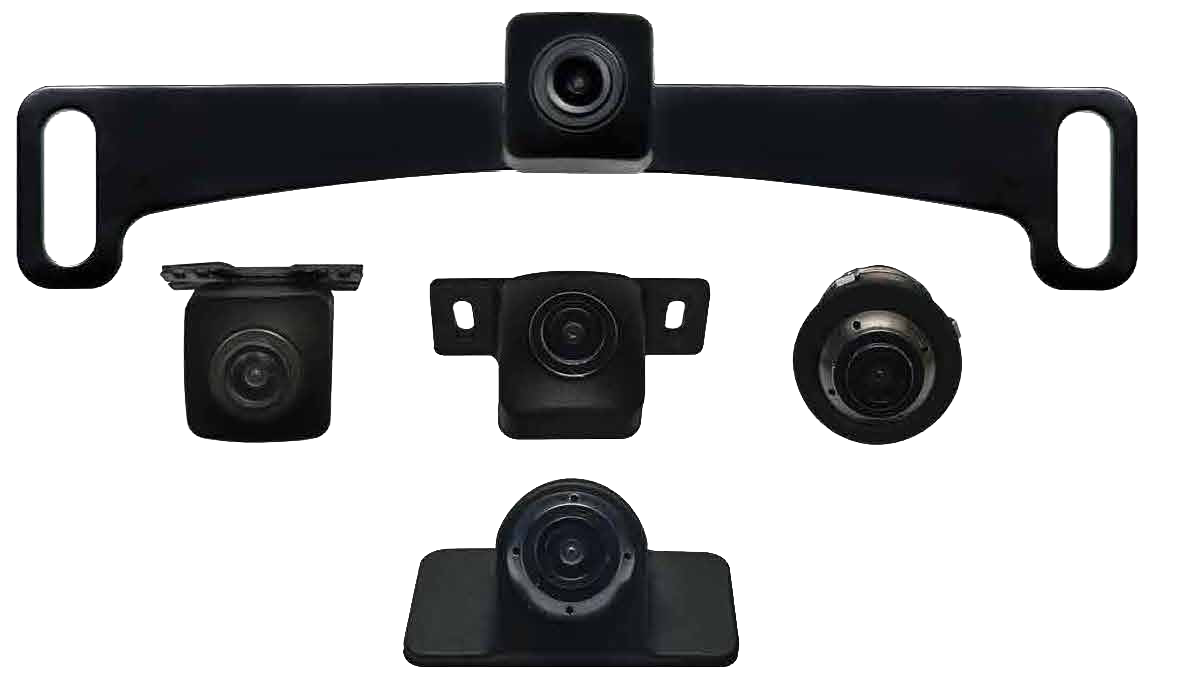

$159.00
4.0 (1)
$209.00
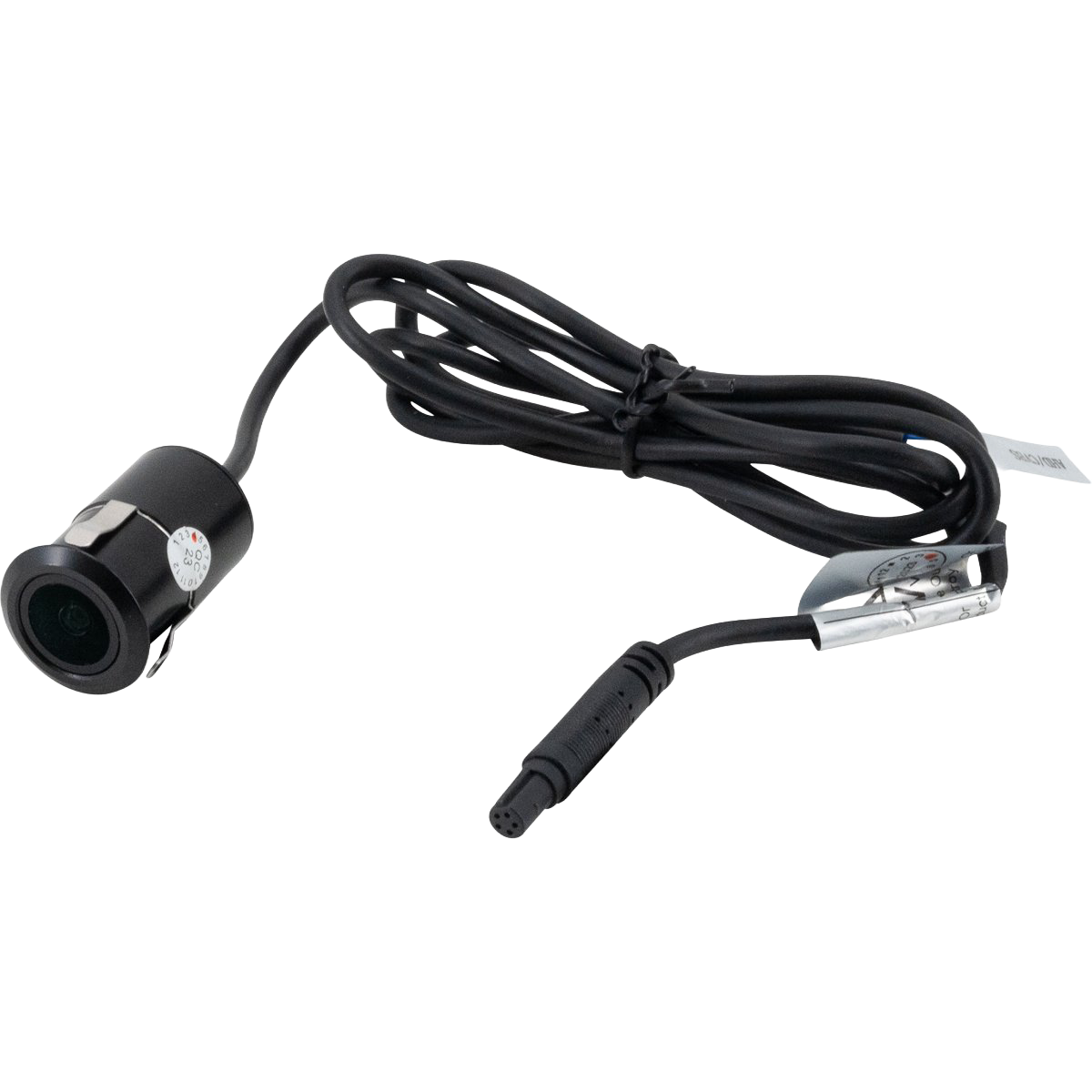
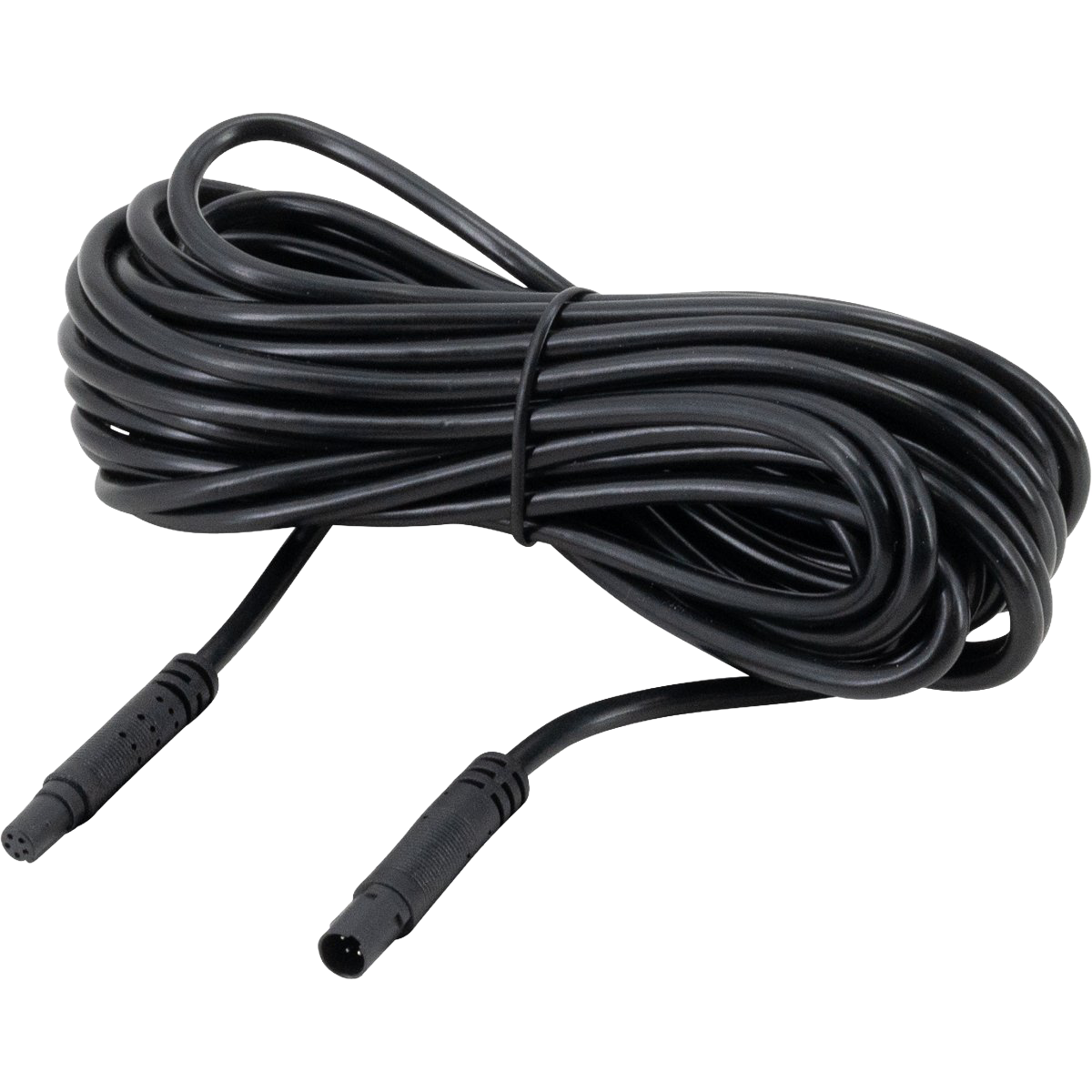
$149.00


$309.00


$78.99
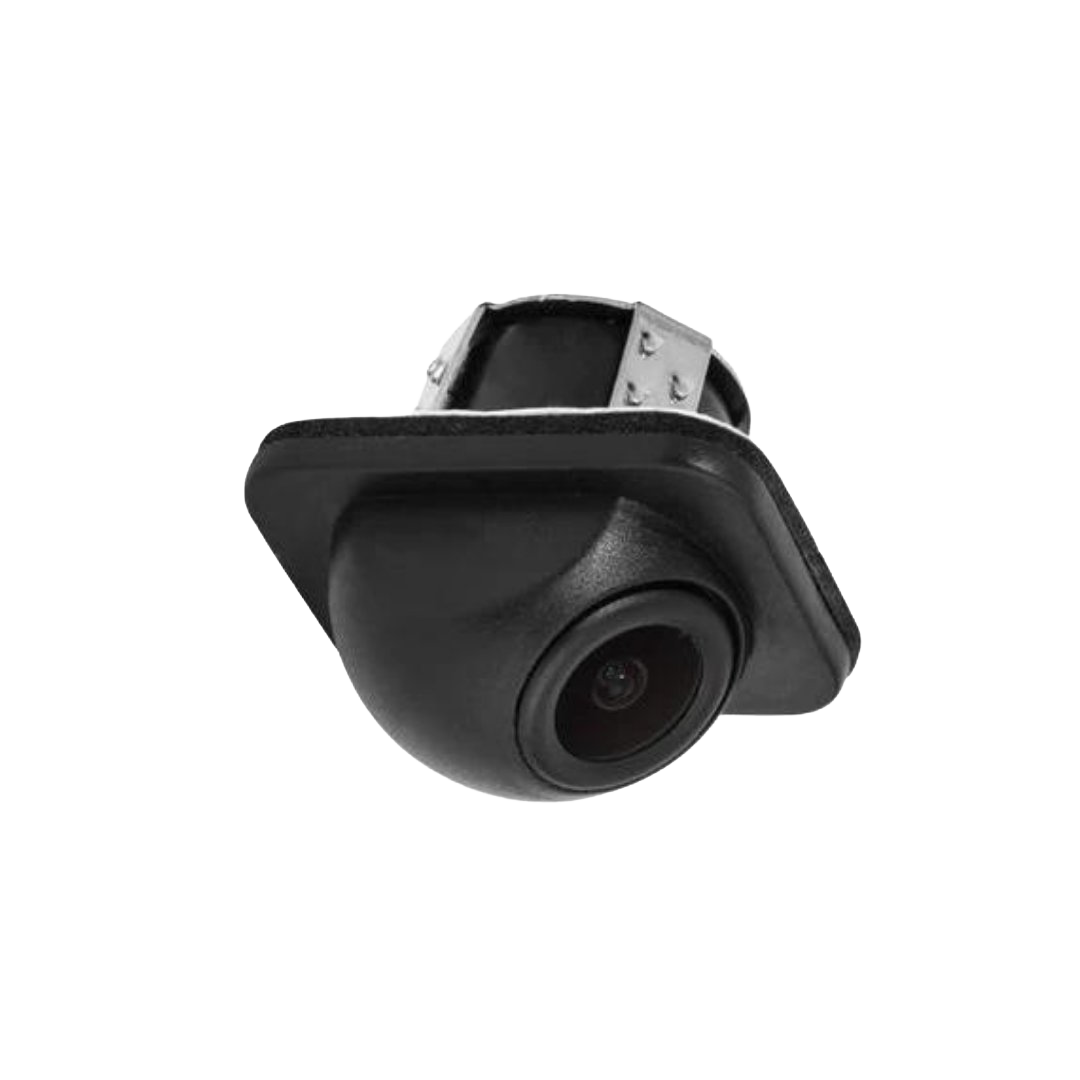
5.0 (2)
$53.99
Filters & sort
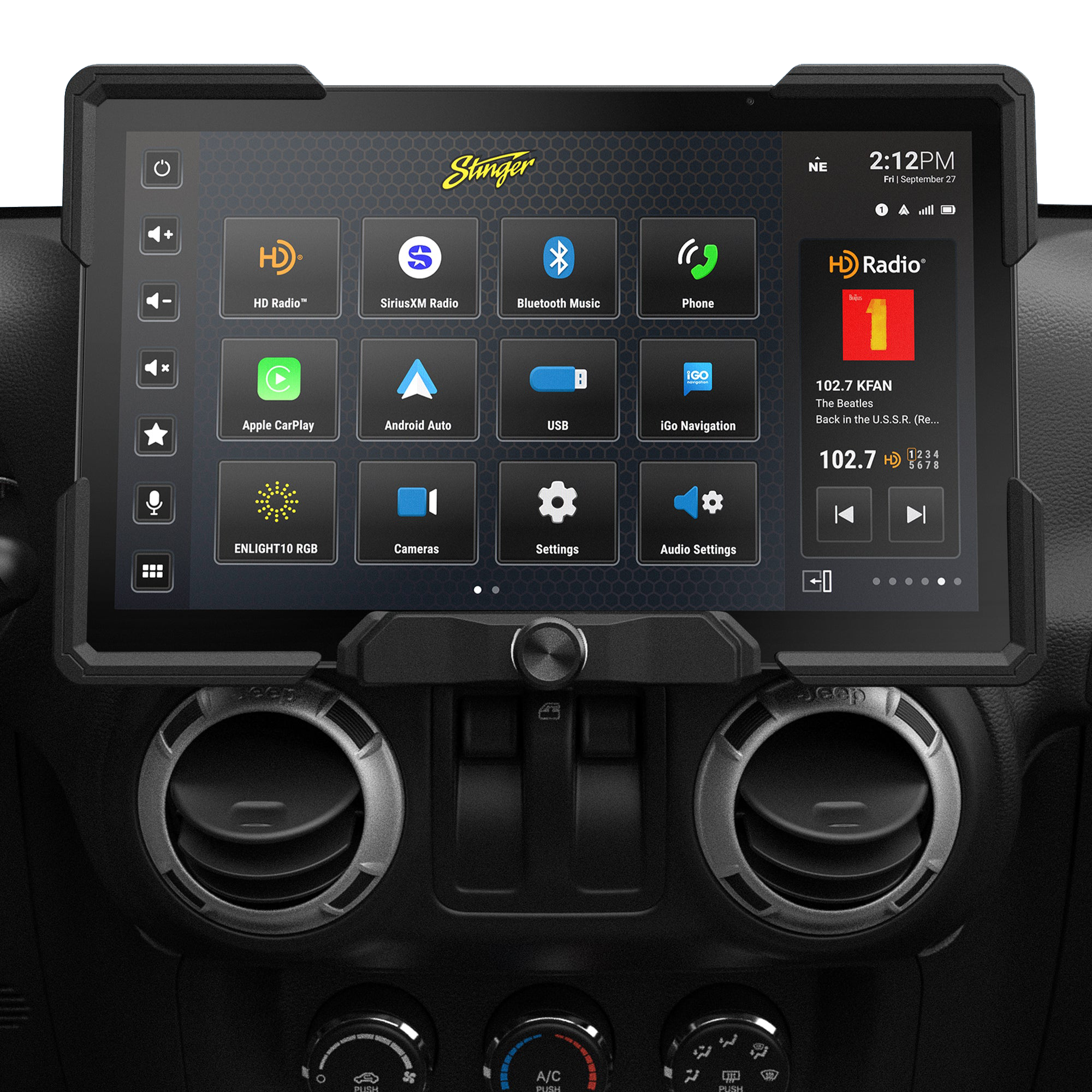
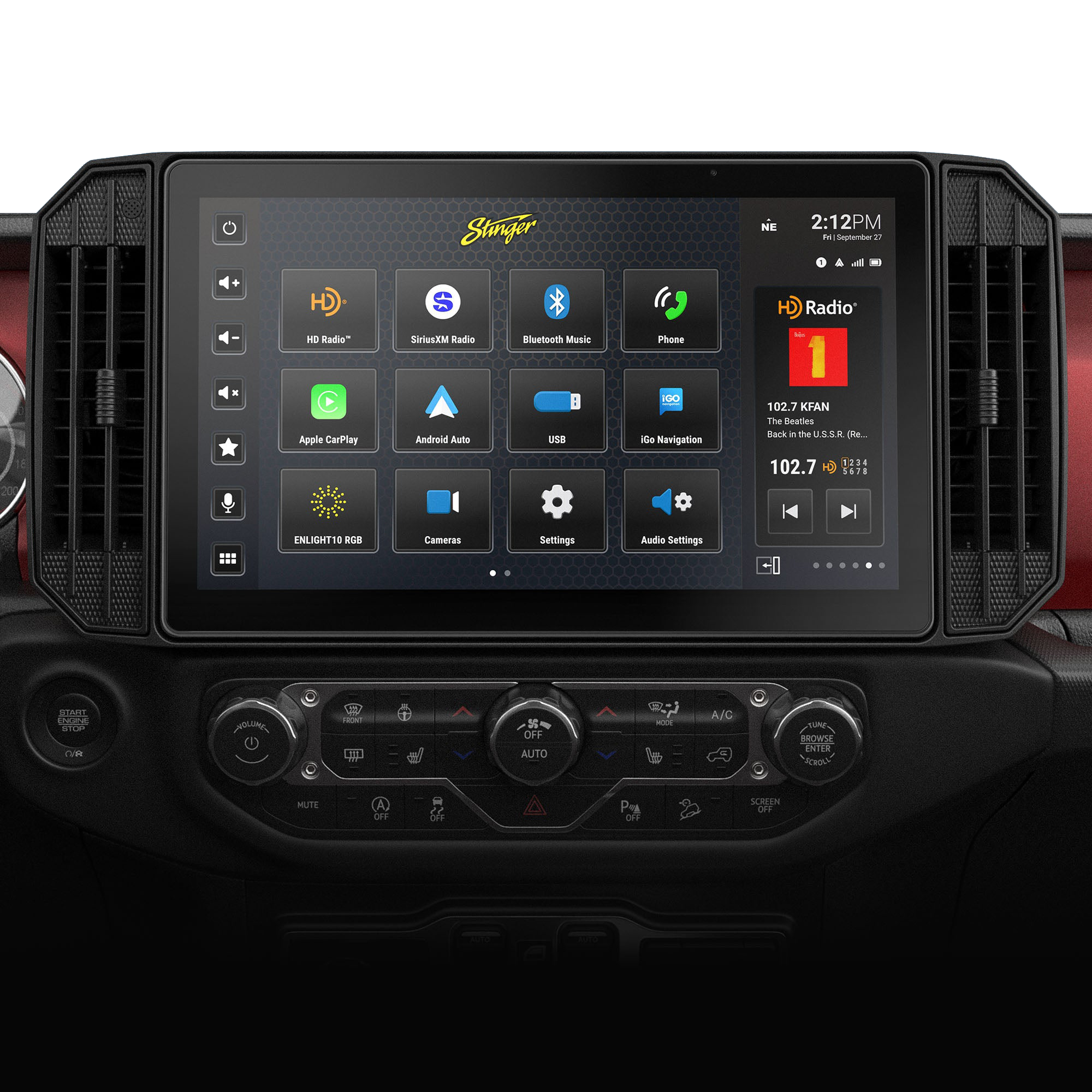
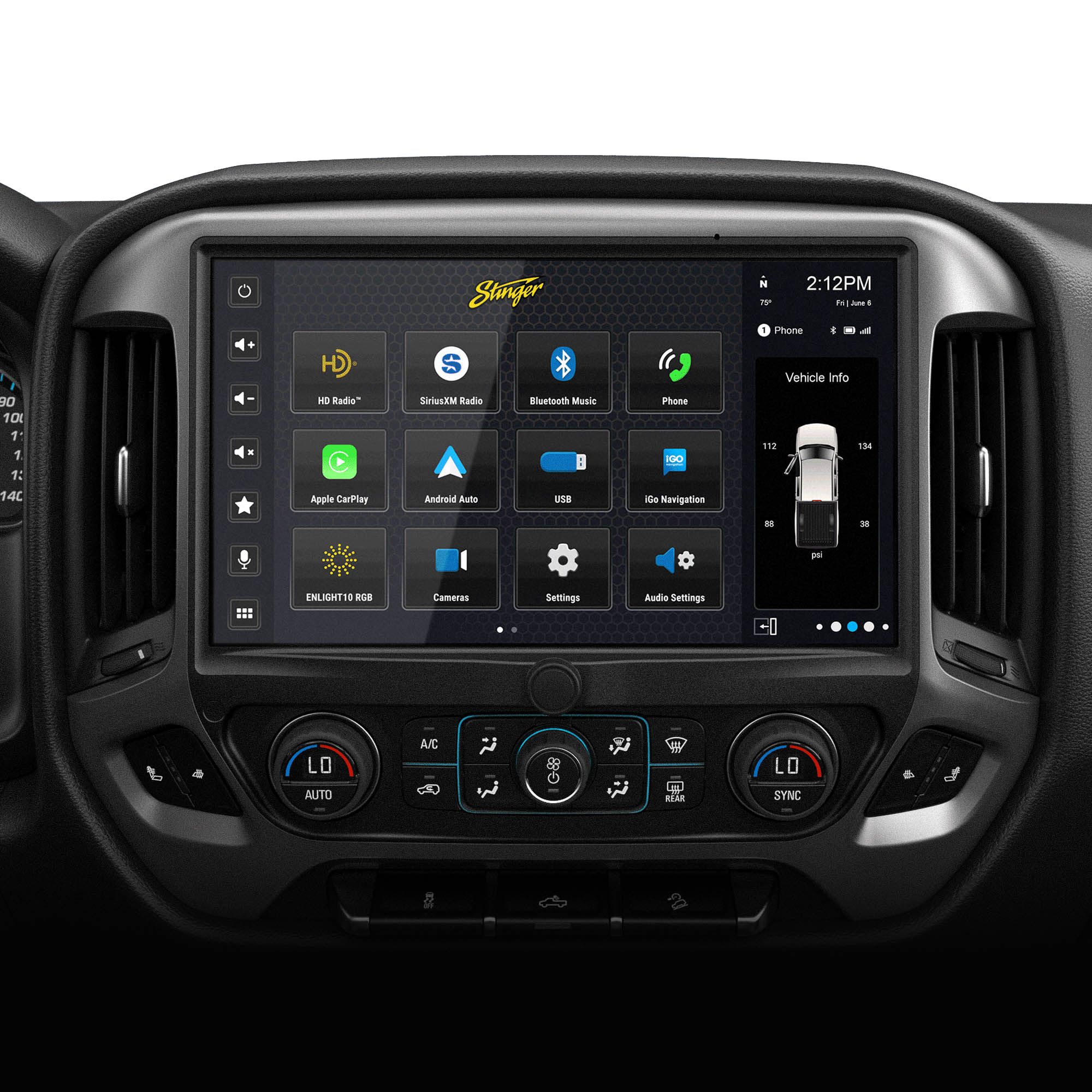
The Ultimate Upgrade
Horizon12 — Upgrade Your Dash to a 12.8″ Command Center
Transform your vehicle with an off-road ready infotainment with a massive 12.8" IP65 weather-resistant display.

Subscribe to us
Get 10% off
join the crew
Subscribe for early drops, install tips, and members-only deals. Unsubscribe anytime.
By subscribing you agree to our Privacy Policy and provide consent to receive updates from our company.

Frequently Asked Questions
Backup Cameras
-
Increased Safety: This is the most crucial advantage. Backup cameras extend your vision behind the car, eliminating blind spots that can cause accidents. This is especially helpful when backing out of driveways, parking lots, or tight spaces where children, pets, or other obstacles may be present.
Improved Parking Accuracy: Parallel parking or maneuvering into tight spots can be a challenge. Backup cameras provide a live video feed that helps you see exactly where your car is positioned relative to the lines and curbs, making parking maneuvers smoother and more precise.
Reduced Risk of Collisions: By revealing what's directly behind your car, backup rearview cameras can help you avoid backing into objects, other vehicles, or pedestrians. This can significantly reduce the chances of accidental collisions and potential injuries.
Enhanced Awareness: Drivers with limited visibility out the rear window due to height or car size can benefit greatly from backup cameras. The car camera offers a wider field of view than a mirror, allowing them to see more and navigate more confidently.
-
Backup cameras are rear-facing cameras mounted on the back of a vehicle. They are typically wired to the reverse gear—when you shift into "R," the camera activates and sends a live video feed to a screen on your dashboard or rearview mirror. To make the screen intuitive, the image is horizontally flipped. This ensures that when you look at the screen, an object on the left side of your car appears on the left side of the display.
-
Most systems overlay "Parking Guidelines" on the video feed to help you judge distance:
- Green: You are safe; the object is far away (typically more than 6 feet).
- Yellow: You are getting close; proceed with caution (around 3 to 6 feet).
- Red: Stop immediately. You are usually within 1 foot of the object.
- Curved Lines: In some vehicles, these lines move as you turn the steering wheel to show your projected path.
-
The most common culprits for a camera looking blurry are:
- Dirt/Debris: The most common cause. A quick wipe with a microfiber cloth usually fixes it.
- Weather/Fogging: Moisture can get trapped inside the lens housing (condensation). To get rid of condensation in a backup camera, remove the camera unit and dry it using a hairdryer on low heat, or place it in a sealed bag with silica gel packets for 24–48 hours
-
Most modern reverse backup cameras are equipped with low-light sensors or infrared LEDs. Additionally, your car’s reverse lights act as floodlights for the camera. While the image might look "noisier" or less colorful at night, you should still be able to clearly identify obstacles.
-
The primary trade-off between wired and wireless backup cameras is reliability versus convenience.
Wired systems are widely considered the "gold standard" for performance because a physical video cable ensures a crystal-clear, lag-free image that is immune to outside interference. In contrast, wireless systems offer a much simpler "plug-&-play" setup, but they are prone to signal drops, static from Bluetooth or Wi-Fi devices, and a slight delay in the video feed that can be frustrating if you are backing up quickly.


